NotebookLM limits in 2026 (now Gemini Notebook): what Google lists, and what we saw
Google now publishes fixed caps only for notebooks and sources; chat and Audio Overviews use a 5-hour allowance with a weekly limit. We checked the official pages and tried it.
By the RanThis team, written with AI assistance4 min read
Why trust this: every result, number and screenshot comes from a real run on our own accounts, not from the AI. How we test
NotebookLM's limits are no longer the fixed daily numbers most guides still quote. As of 16 October 2026, Google's help pages give fixed caps only for notebooks and sources per notebook (50 sources on the standard tier, up to 600 on the top Ultra plan). Chat and Studio outputs such as Audio Overviews now use a usage allowance that refreshes every 5 hours up to a weekly limit, scaled by plan. We also tried it: the app now calls itself Gemini Notebook, showed a 5/50 source counter, and showed no remaining-quota counter for chat or audio.
Checked on 16 October 2026: limits from Google's own help pages; hands-on in Chrome on a Google account whose interface showed an "Upgrade" option and no paid-plan label (we could not confirm the plan from inside the app). The interface was in Vietnamese, so the screenshots are too.
NotebookLM is now "Gemini Notebook"
Opening notebooklm.google.com redirected us to notebook.google.com, and the product name in the interface was Gemini Notebook; the old NotebookLM label was gone. Google's newer help pages use the same name (Gemini Notebook usage limits). Your notebooks carry over: our two older notebooks were still there.
The limits Google publishes, by plan
From Google's NotebookLM limits page:
| Plan | Notebooks per user | Sources per notebook |
|---|---|---|
| Standard (no paid plan) | 100 | 50 |
| Google AI Plus | 200 | 100 |
| Google AI Pro | 500 | 300 |
| Google AI Ultra | 500 | 500 or 600, depending on the Ultra tier |
For chat and Studio outputs, Google's Gemini Notebook limits page describes the allowance relative to the standard tier: AI Plus gets about 2×, AI Pro about 4×, and Ultra more again. The allowance refreshes every 5 hours until you reach your weekly limit, and Google notes the limits may change. It does not publish a number of chats or Audio Overviews per day.
What you'll see elsewhere: many guides still list "50 chats a day" and "3 Audio Overviews a day" for free accounts, and similar figures for paid plans. We could not find those numbers on any current Google page, so treat them as outdated or unofficial.
What we saw when we used it
Sources: 50 per notebook. We added five Wikipedia pages in one go through "Website" (pasting the URLs separated by spaces), and the add-source dialog showed a 5/50 counter. That matches the standard-tier limit above.
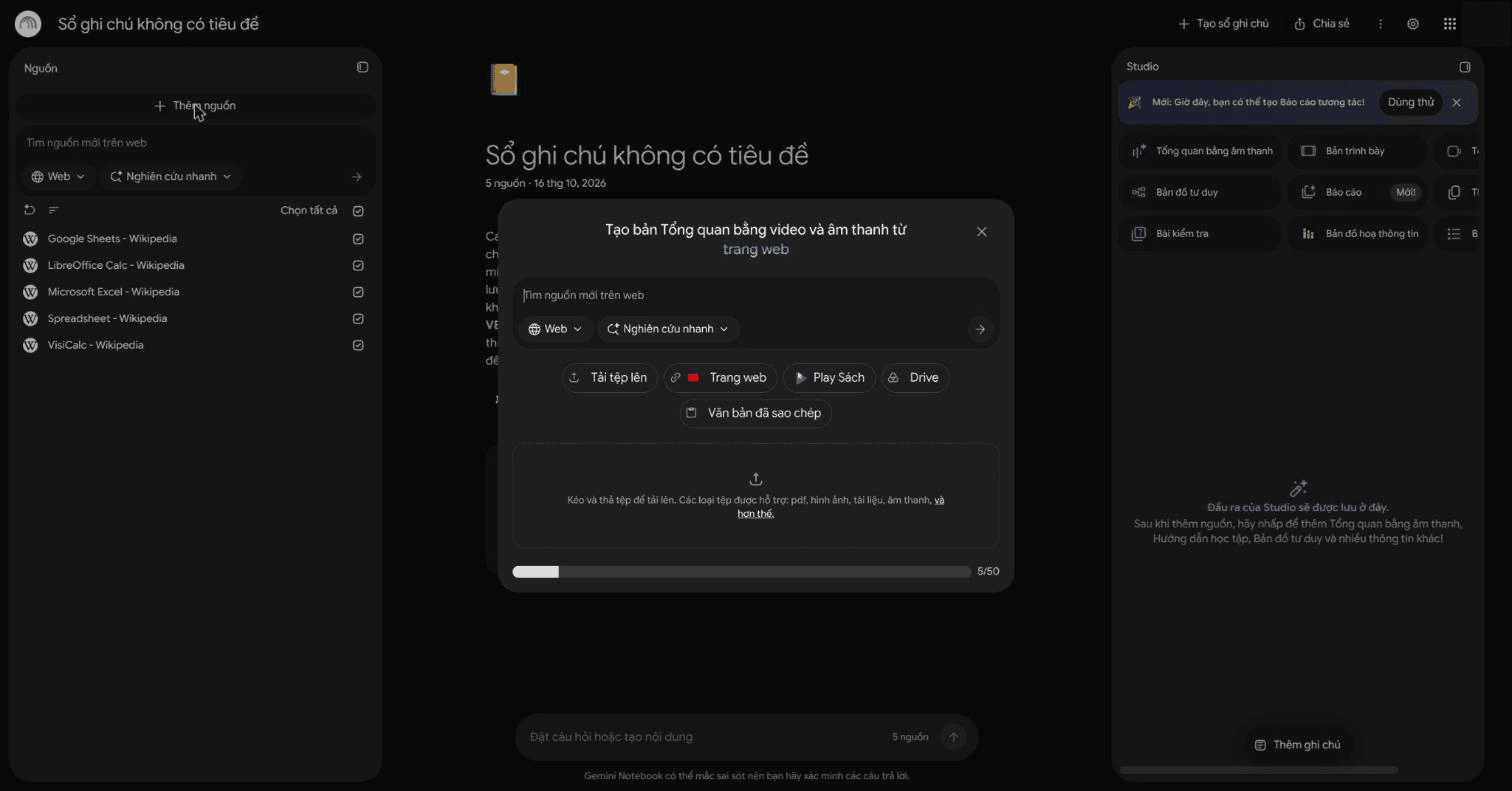
Notebooks: the home screen had no counter or limit message, so you won't see how close you are to the cap until you hit it.
Chat: three questions, each answered with citations, in about 20 to 40 seconds. No "questions left today" counter anywhere.
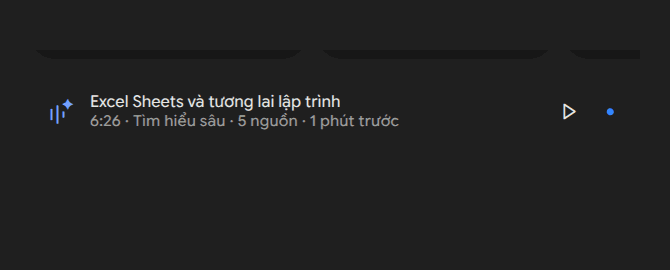
Audio Overview: we generated one with the default "Deep Dive" format. It took between about 4.5 and 6 minutes and produced a 6 minute 26 second episode from five sources. Again, no counter for how many are left.
Video Overview: available on this account, with two formats, a new "Short" one and "Explainer". Our Short video was still generating after 4.5 minutes, when we stopped waiting, so we can't report its length.
No limit messages: we didn't hit a cap, so we never saw one. We didn't try to; sending dozens of questions just to find the ceiling wouldn't tell you much, because Google says the allowance depends on usage over 5-hour and weekly windows.
What this means for you
- The only hard numbers you can plan around are notebooks per user and sources per notebook. If a project needs more than 50 sources in one notebook, you need a paid plan, or you need to split it.
- Heavy chat or audio use is governed by a rolling allowance, not a daily count. If you run out, Google's page says it refreshes every 5 hours, up to the weekly limit.
- Budget minutes, not seconds, for Studio outputs: an Audio Overview took around 5 minutes for us, and a short Video Overview took longer.
FAQ
How many sources can a NotebookLM notebook have?
50 on the standard (free) tier, 100 on Google AI Plus, 300 on Google AI Pro and up to 600 on Google AI Ultra, per Google's limits page. Our account showed a 5/50 counter.
How many chats per day does NotebookLM allow?
Google no longer publishes a daily number. Its current page describes an allowance that refreshes every 5 hours up to a weekly limit, about 2× on AI Plus and 4× on AI Pro compared with the standard tier.
Is NotebookLM the same as Gemini Notebook?
Yes. notebooklm.google.com now redirects to notebook.google.com, the app is labelled Gemini Notebook, and existing notebooks are still there.
How long does an Audio Overview take?
In our test, between about 4.5 and 6 minutes for a 6 minute 26 second Deep Dive episode from five web pages.